

Stop-Stop-Play
[fusion_builder_container hundred_percent=”yes” overflow=”visible”][fusion_builder_row][fusion_builder_column type=”1_1″ background_position=”left top” background_color=”” border_size=”” border_color=”” border_style=”solid” spacing=”yes” background_image=”” background_repeat=”no-repeat” padding=”” margin_top=”0px” margin_bottom=”0px” class=”” id=”” animation_type=”” animation_speed=”0.3″ animation_direction=”left” hide_on_mobile=”no” center_content=”no” min_height=”none”]
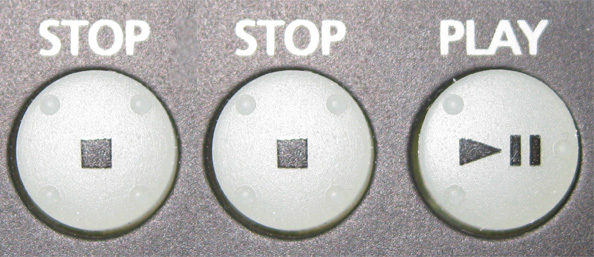
Stop - Stop - Play
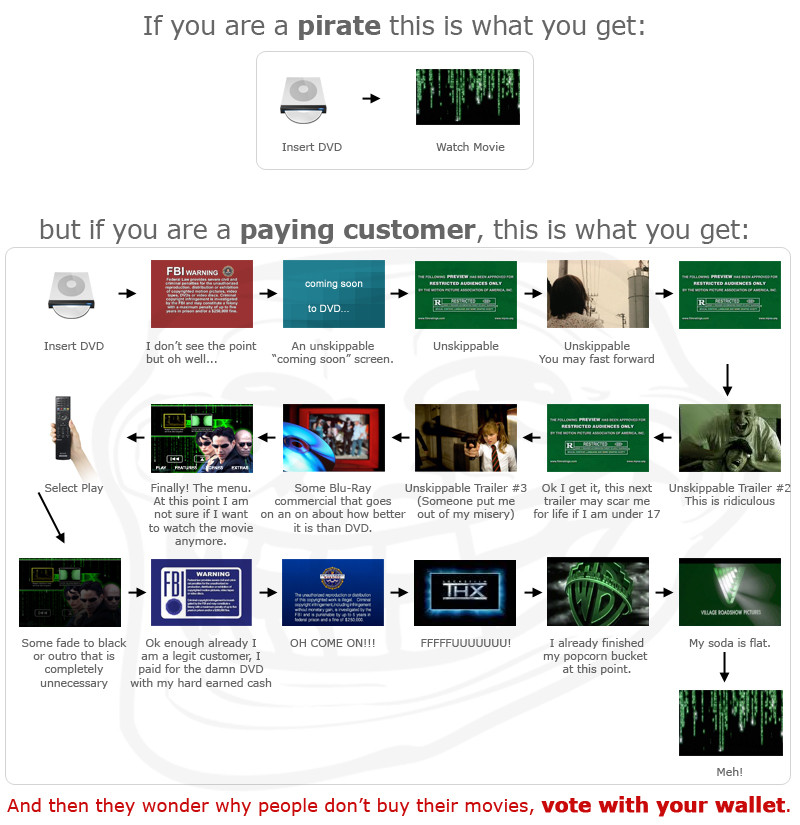
Here’s the tip: while the disc is spinning up, hit Stop-Stop-Play. For most disc’s and on most players you should start playing the movie from the beginning, bypassing all those annoying trailers and notices.
Thanks, Lifehacker.[/fusion_builder_column][/fusion_builder_row][/fusion_builder_container]